
Resources
AI livery design prompts
Good news first: you don't need the perfect prompt. Ailivery is a chat that shapes the design with you, so think of these as starting points to spark ideas — copy one, tweak it, or ignore them and just describe your livery however you like.
No perfect prompt required
Here's the thing: you don't have to nail all of this. Ailivery talks the design through with you, so if you only know the colors, start there and it asks about the rest. When you do want to give it more to work with, these are the details that help most: a base color, one or two accent colors, the layout (where stripes or shapes go), a finish, and where the number and logos sit. Nothing's required — it's a conversation, and you refine from each preview.
Brand-safe example prompts
Use these as springboards — paste one into the chat and tell Ailivery what to change, or let them spark an idea of your own.
Clean & modern
"Midnight blue base with a single chrome-silver stripe over the roof and hood, matte finish, large white number roundels on the doors."
Retro-inspired
"Cream base with twin red-and-orange speed stripes down the flanks, gloss finish, period-style number circles on the doors."
Aggressive
"Matte black base with neon-green angular shards sweeping from the nose to the doors, dark-tinted accents, number in a sharp stencil font."
Minimalist
"White base, one thin graphite pinstripe along the beltline, satin finish, small number on the front fenders, lots of negative space."
Team-style
"Two-tone teal and charcoal split diagonally, gloss finish, my own logo on the hood, clean sponsor-style blocks on the rear quarters."
Bold & bright
"Sunburst yellow base with a magenta wave across the doors, glossy finish, bold black number outline, contrast mirrors."
A note on logos and real brands
Keep designs original. Don't ask for real sponsor logos or a copy of an existing team's livery — use your own marks, or describe sponsor-style shapes and zones without naming real brands. It keeps your paint yours and avoids rights issues. For more on the copy-from-reference path and finishes, the how-to guide and the iRacing page have the details.
Real liveries, no Photoshop
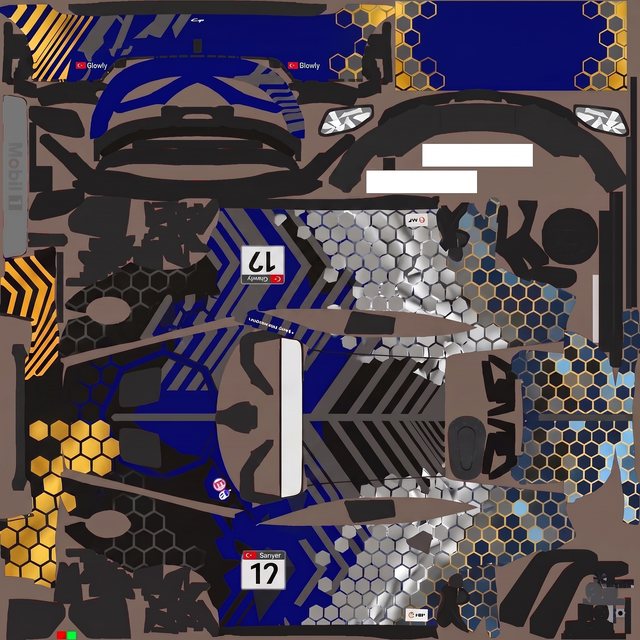
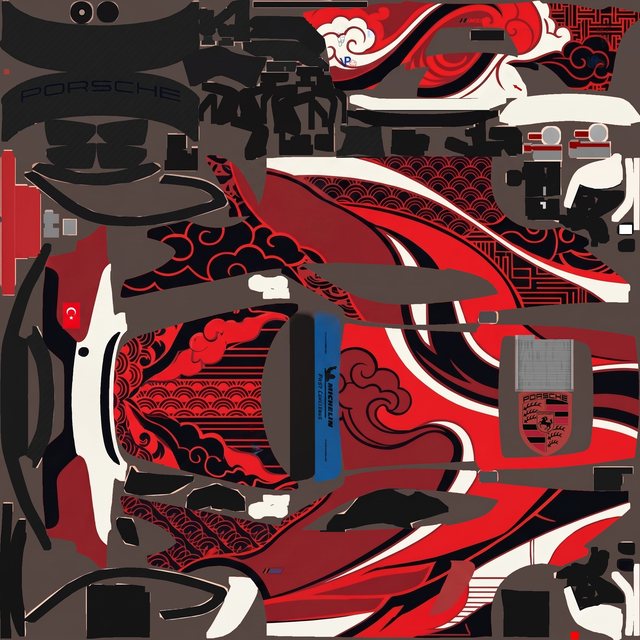
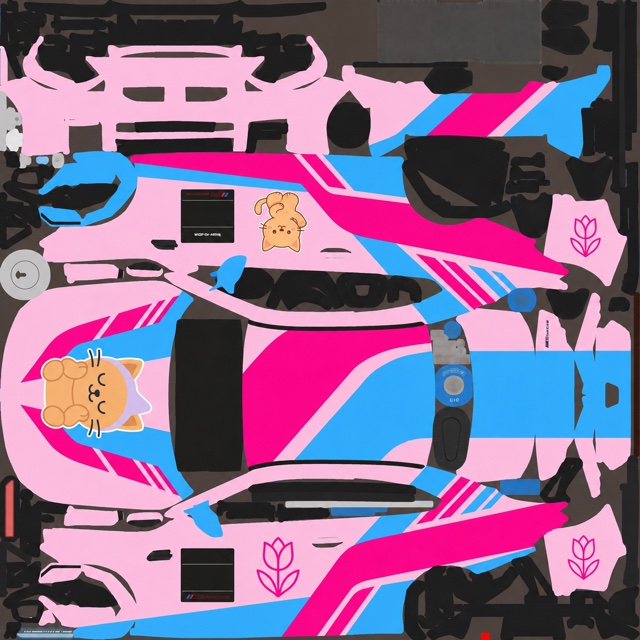
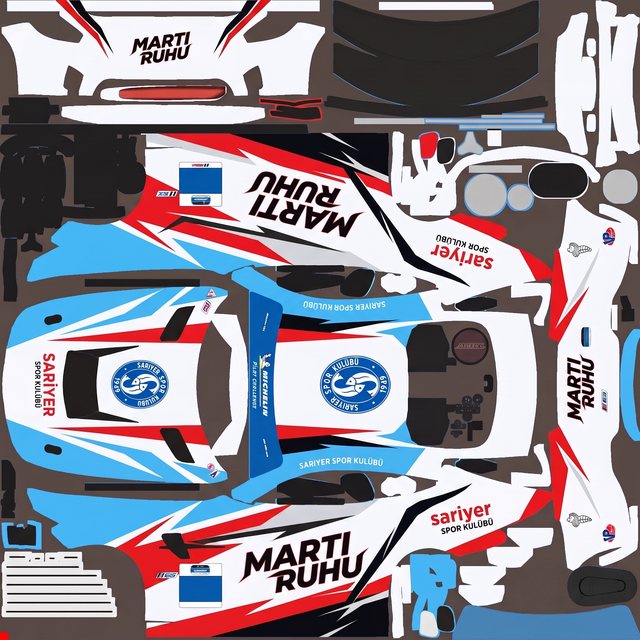
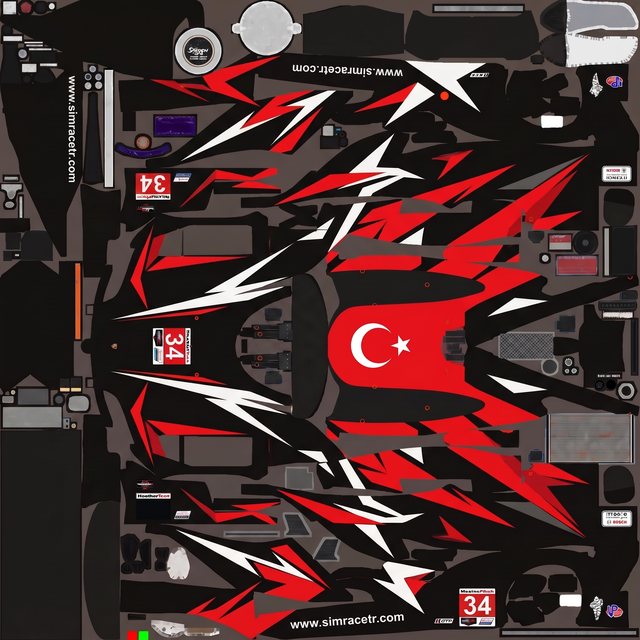
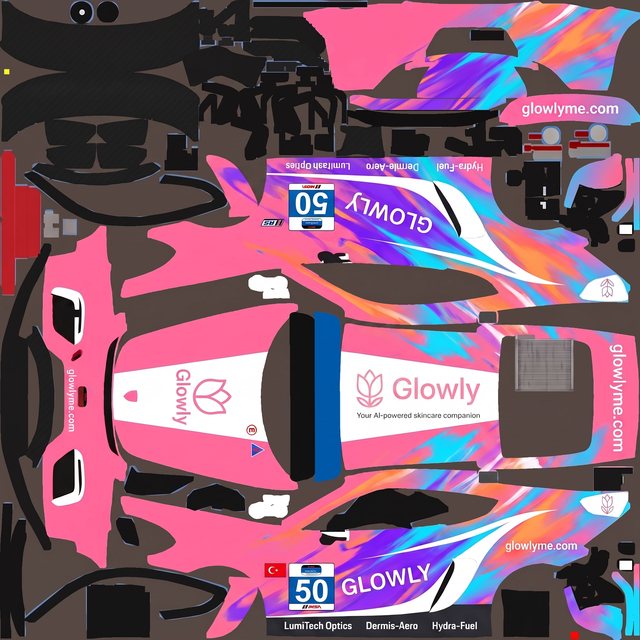
Every one started as a plain-language brief on a blank paint template — described, generated, refined, exported. No layers, no channels.
Just start describing
Pick an example or bring your own words — Ailivery takes it from there and shapes the rest with you.