Resources · iRacing
Turn a ChatGPT or Midjourney design into an iRacing livery
Image models make stunning car concepts — and then you try to load one in the sim and it falls apart. The fix isn't a better prompt; it's mapping the idea onto the real car template. Here's how to take an AI concept and turn it into a race-ready iRacing paint.
A picture of a car isn't a livery
Tools like ChatGPT and Midjourney are brilliant at rendering a car that looks exactly how you imagined it. But that render is a photo of a finished car from one angle — not the flat, UV-mapped template iRacing wraps onto the 3D model. Drop a raw render into the sim and the seams don't line up: a stripe that looked perfect on the side vanishes over the roof, the number drifts onto a panel gap, and logos stretch. To be race-ready, the design has to be painted on the template, not on a beauty shot.
From concept to race-ready paint
- 1
Start with your concept
Have the look you made in ChatGPT, Midjourney, or any image model? Keep the colors, mood, and key shapes in mind — or bring the image as a reference.
- 2
Bring it to Ai-Livery
Upload your iRacing car template and tell Ai-Livery about the concept — paste the image, describe the vibe, or both. It talks it over with you and art-directs an original paint that keeps the feel but actually fits the car.
- 3
Let it map to the template
The design is generated against the car's UV layout, so panels, numbers, and accents land where they should on the 3D car.
- 4
Refine & export
Tweak until it's right, then export
car_<id>.tgaand install it with the Windows helper.
Keep the vibe, lose the headaches
Your palette
The colors and contrast that made the concept pop come across in the paint.
The layout idea
Stripes, fades, and shapes are reinterpreted to fit the car instead of fighting it.
Race-ready output
You end with a proper TGA (and spec map), not a JPEG you can't install.
Questions
Can I use a ChatGPT or Midjourney image as an iRacing livery?
Not directly. Those tools render a picture of a car, not a paint mapped to iRacing's UV template, so the artwork won't line up in the sim. Use the concept as direction in Ai-Livery, which paints onto the real car template and exports a TGA.
Why won't a raw AI car image work in the sim?
iRacing applies a flat template image that wraps onto the 3D model. A standalone render has no template mapping, so panels, numbers, and logos land in the wrong places.
How does Ai-Livery use my concept?
Describe it, or bring it as a reference, and Ai-Livery art-directs an original paint onto your car's template — keeping the vibe while making it fit — then exports car_<id>.tga. See the full how-to.
Real liveries, no Photoshop
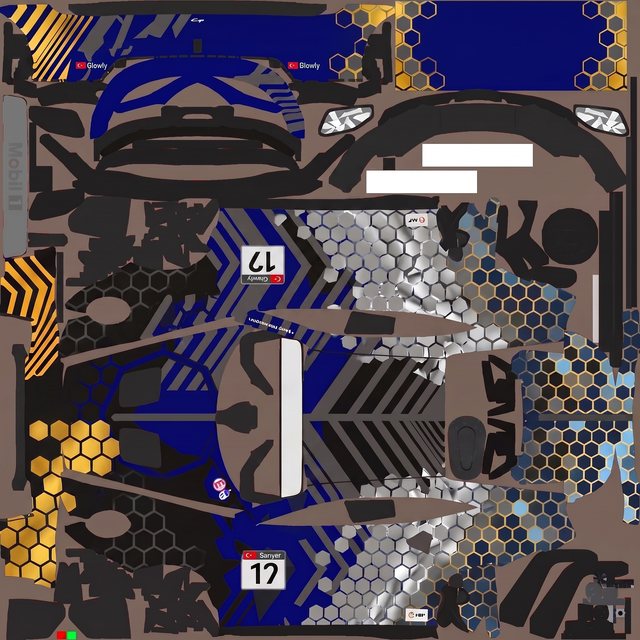
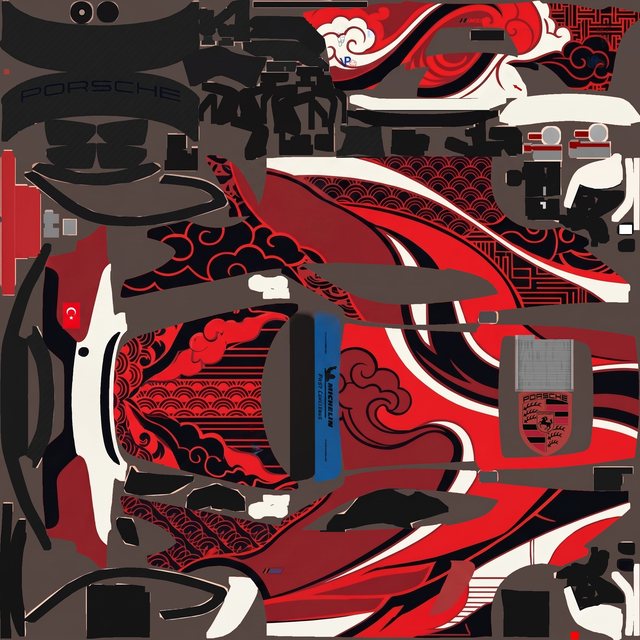
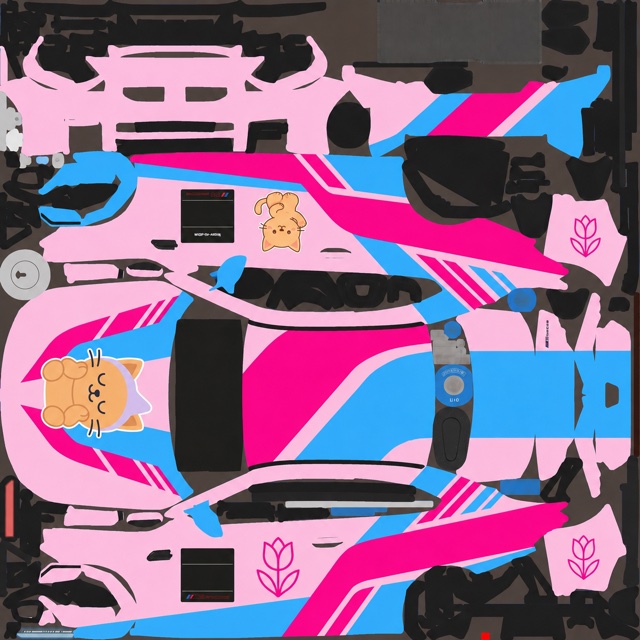
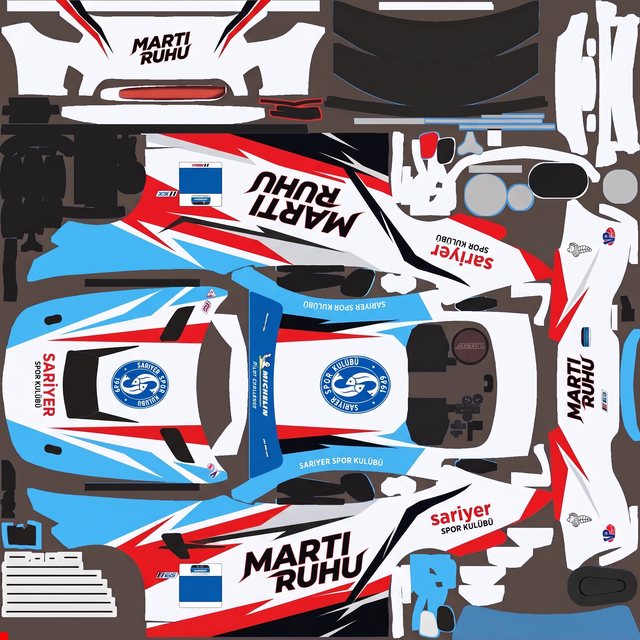
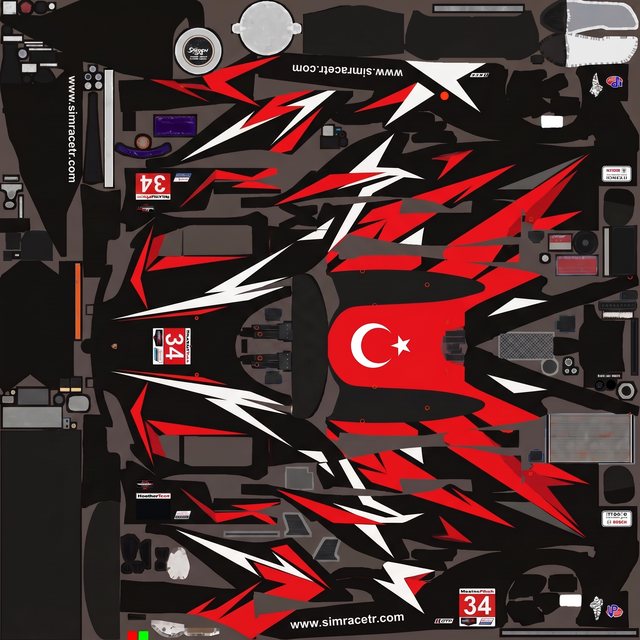
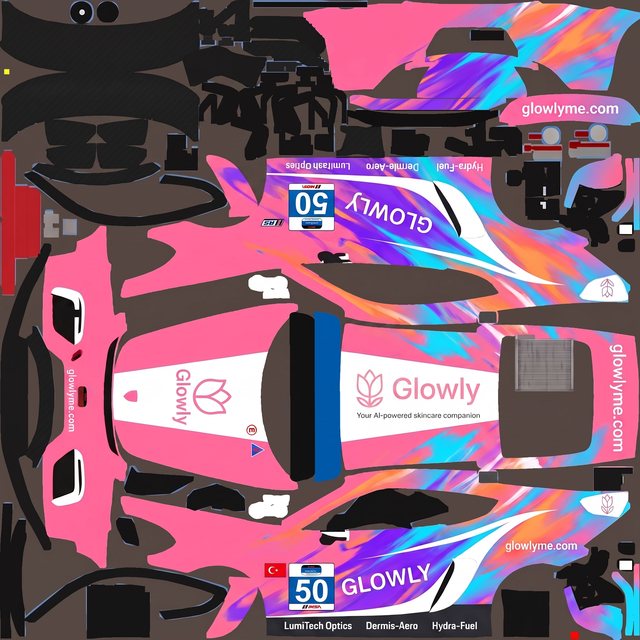
Every one started as a plain-language brief on a blank paint template — described, generated, refined, exported. No layers, no channels.
Make your concept race-ready
Bring the idea, get a paint that fits the car and exports as a TGA.