
Resources · iRacing
iRacing paint scheme designers: what your options actually are
There is more than one way to get a custom paint scheme onto your car, and they are not interchangeable — some restyle iRacing's stock design, some hand you a blank template, and one designs original artwork for you. Here is what each option really does, so you can pick the one that matches how much you want to do yourself.
Is there an iRacing paint scheme designer that does it for you?
Yes — but "designer" means five different things depending on which tool you land on. iRacing's built-in paint booth restyles a car's existing scheme. Trading Paints' Paint Builder lets you layer colours and shapes in a browser. Photoshop or GIMP on the car's paint template gives you total control by hand. A commissioned livery designer does the work for you to a brief. And an AI livery generator designs an original scheme on the car's own template from a plain-language description, then lets you refine it. The right pick depends on whether you want to choose a design, build one, or describe one.
Five ways to design an iRacing paint scheme
Picking between them
If you only want your own colours on the stock car, the paint booth is already installed and there is no reason to go further. If you enjoy building a layout element by element, Paint Builder or Photoshop will take you as far as your patience goes. If you know exactly what you want and want it done to a professional standard, commissioning a designer is the honest answer — a good painter will beat a first-pass render every time. AI fits the gap in the middle: you have a design in your head, you do not want to learn a layer stack to get it out, and you would rather iterate on something real than start at a blank template.
Designing a paint scheme with AI, step by step
- 1
Upload the car's template
Download the paint kit for your car from iRacing and upload its template. PSD, PNG, or the paint-template ZIP all work — it is flattened in your browser and becomes the canvas the AI designs on.
- 2
Describe the scheme
A couple of colours and a direction is enough to start. Ailivery asks about the details and shapes the design with you, so you do not need a finished idea before you begin.
- 3
Generate on the real template
The design is painted onto the car's UV layout and checked against it, so graphics land on the panels they were meant for instead of drifting across a seam.
- 4
Refine it
Change colours, move elements, or draw directly on the paint to alter one area while everything outside your mark stays as it was. Most finished schemes take a few passes.
- 5
Export and install
Export
car_<id>.tga, plus an optionalcar_spec_<id>.tgaspec map for gloss and metallics. The iRacing install guide covers getting it into your paint folder.
Paint scheme, livery, skin — same thing?
Effectively, yes. iRacing calls a car's artwork a paint scheme and stores it as a TGA in your paint folder. Most sim racers say livery. Modders and other sims often say skin. All three describe the same file: an image painted onto the car's UV template that the game wraps back onto the 3D body. The paint template is the blank version of that image, and the spec map is a separate file controlling shine and metallics rather than colour.
iRacing paint scheme questions
Is there an iRacing paint scheme designer that makes the livery for me?
Yes, several, and they work differently. iRacing's own paint booth changes the base colours, numbers and sponsor sets on a car's stock scheme. Trading Paints' Paint Builder lets you layer colours and shapes in the browser. Photoshop or GIMP on the car's paint template gives full control by hand. You can commission a livery designer to do it for you. And an AI livery generator like Ailivery designs an original scheme on the car's own template from a description, then lets you refine it and exports a race-ready TGA.
What is an iRacing paint scheme?
A paint scheme is iRacing's name for a car's artwork. It is a TGA image painted onto the car's UV template and stored in your Documents\iRacing\paint folder, named car_<id>.tga. Most sim racers call the same thing a livery.
Can I design an iRacing paint scheme without Photoshop?
Yes. The in-sim paint booth and Trading Paints' Paint Builder both work without it, though both build from preset colours, shapes and sponsor blocks. Ailivery works without it too and designs original artwork: you describe the scheme in plain language, it paints onto the real car template, and you refine it from there.
What is the difference between the iRacing paint booth and a custom paint?
The paint booth restyles the car's stock scheme, so you are choosing colours and sponsor sets within a fixed design. A custom paint is your own artwork on the car's paint template, exported as a TGA. Only a custom paint lets you put an original design on the car.
Do other drivers see my iRacing paint scheme?
Not automatically. A TGA in your local paint folder renders for you alone. For other drivers to see it, the file has to reach them — either uploaded through iRacing itself, or distributed by a service such as Trading Paints that they also run.
Is designing an iRacing livery with AI free?
Ailivery is free to start, so you can design and preview a paint scheme without paying. Exports and further iterations run on paint credits — see pricing.
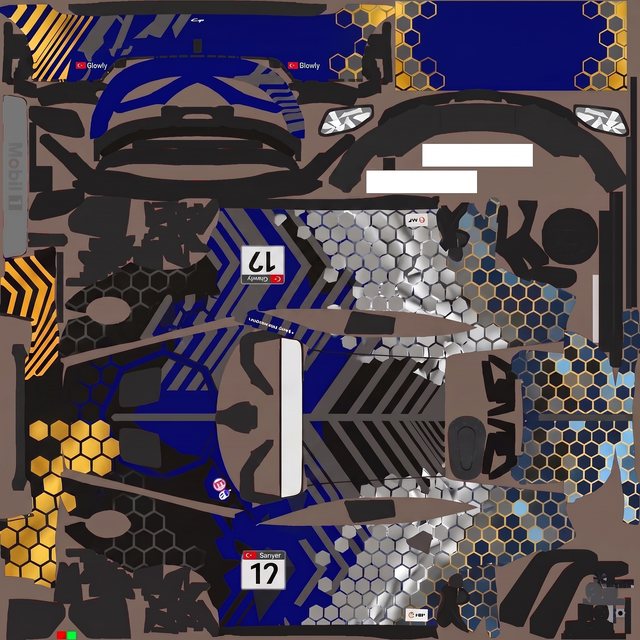
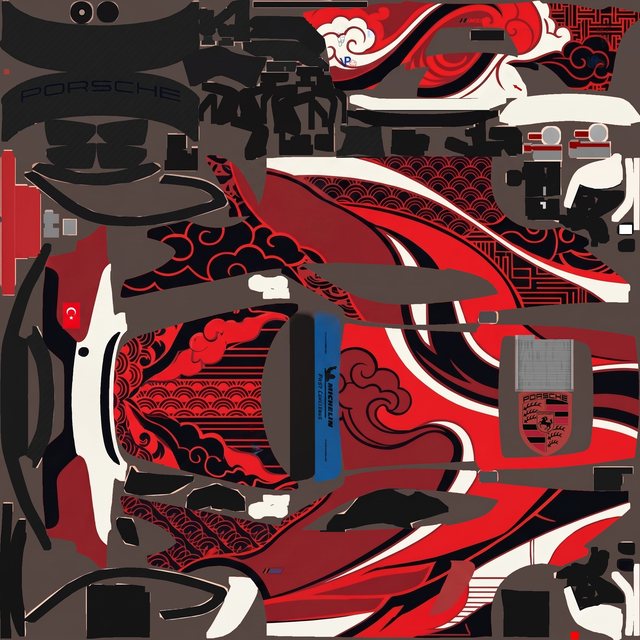
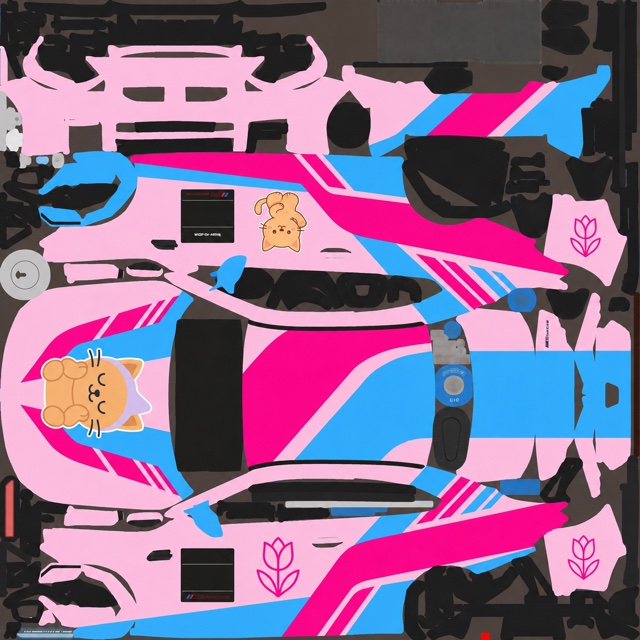
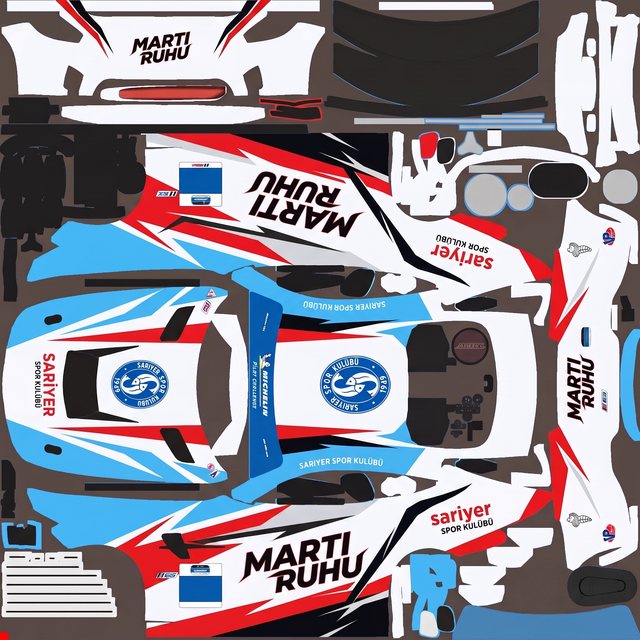
Schemes designed from a description
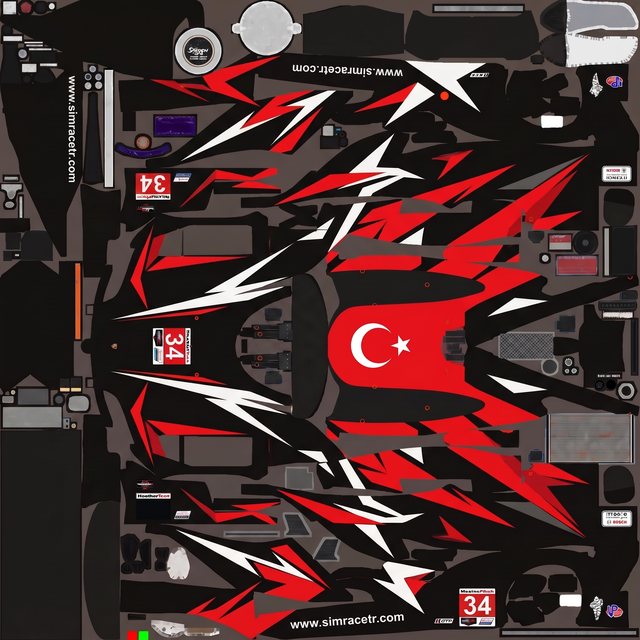
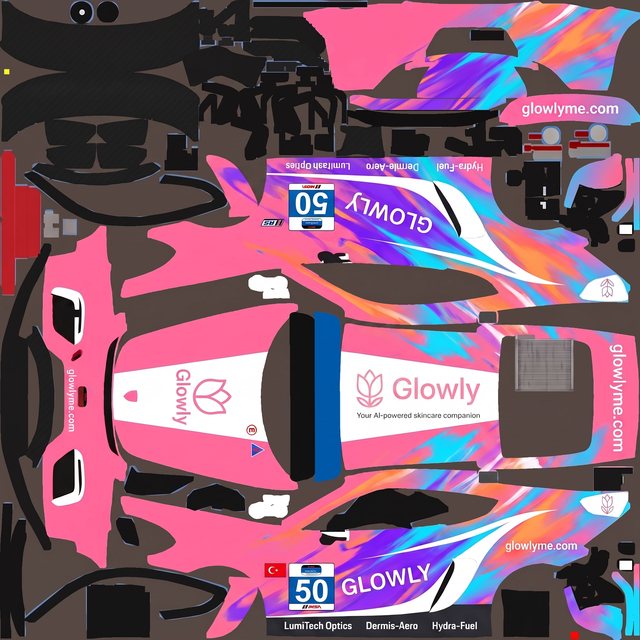
Every one started as a plain-language brief on a blank paint template — described, generated, refined, exported. No layers, no channels.
Design your iRacing paint scheme
Describe what you want, let the AI paint it on your car's template, and export a race-ready TGA — free to start.