
Resources · No Photoshop
Make a custom livery — without Photoshop
Sim racing paint templates ship as layered Photoshop files, so making a livery has always meant owning Photoshop and knowing your way around layers, masks and UV maps. It doesn't anymore. Describe the look in plain language and Ailivery paints it onto your car's real template, checking every render against the layout so it fits in-game. No design skills, free to start.
You needed Photoshop because the template is a Photoshop file
Open a paint template and you get a stack of Photoshop layers built around the car's UV map — the flat, unwrapped skin of the 3D model. Painting a livery on it by hand means matching art to that layout across seams, which is why people either learn Photoshop or commission a painter (a custom livery usually runs $15–45). Ailivery removes the tooling step, not the craft: you bring the idea, it does the layer work on the real template and checks the result so graphics land on the right panels instead of smearing across them.
Everything you skip
No Photoshop licence
No Photoshop subscription and no multi-gigabyte install. Ailivery runs in the browser — the only thing you bring is the idea.
No layers or masks
Forget layer stacks, clipping masks and blend modes. You describe the look and refine it in previews; the paint work happens for you.
No UV-map guesswork
You never have to picture how the flat template wraps onto the car. The AI paints on the real layout and checks every render against it.
No export plugins
No hunting for the right export plugin or colour profile. Ailivery hands you the file your sim actually loads, ready to install.
Nothing to wait on
No commission queue and no revision back-and-forth. Generate, tweak and export on your own schedule — minutes, not days.
Still a real file
You get the genuine paint your sim installs — yours to keep — not a screenshot or a mock-up. No Photoshop needed to own the result.
Make a livery without opening Photoshop
- 1
Start from your template
Upload your car's paint template, or start from a blank one. Either way you're working on the real in-game layout, not a generic picture of a car.
- 2
Describe the look
Say what you want in plain language — colours, a direction, where the accents go. Need wording? The livery design prompts and design ideas give you a running start.
- 3
Generate on the real template
Ailivery paints your description onto the UV template and checks it against the layout, so stripes and logos sit on the right panels instead of drifting across seams.
- 4
Refine in previews
Nudge colours, move elements, or mark up a change and regenerate. It's all previews and plain language — no layer panel in sight.
- 5
Export the game file
Download the paint your sim installs and drop it in. The how to make an iRacing livery guide walks through export and install end to end.
Real liveries, no Photoshop
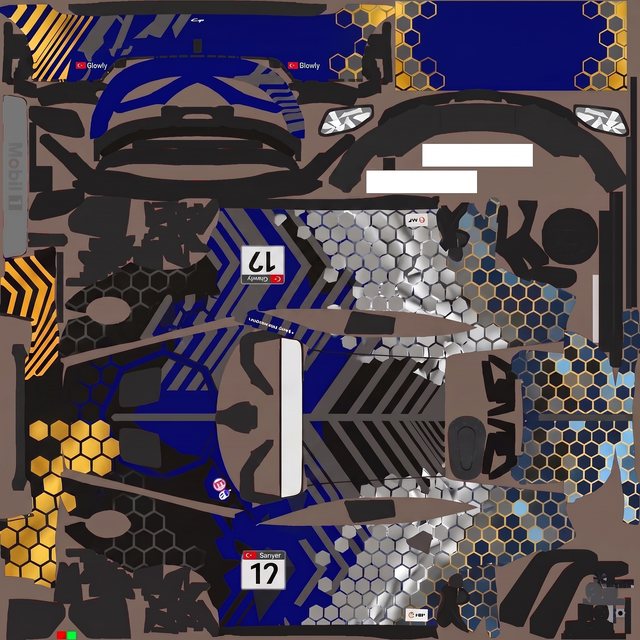
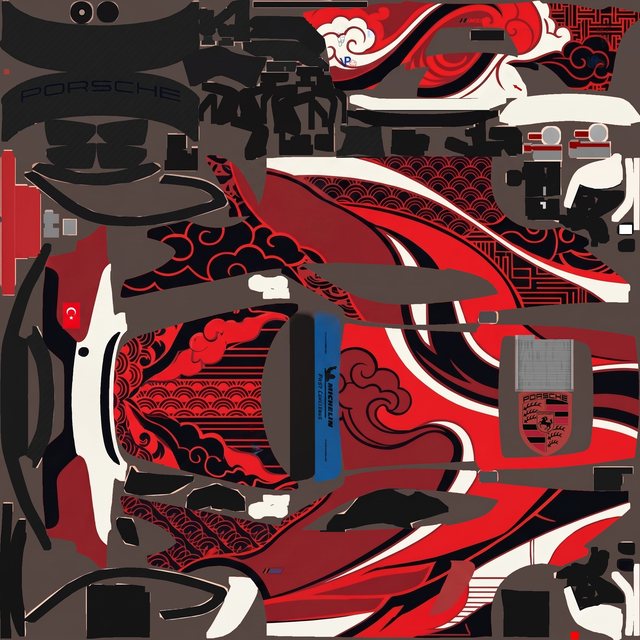
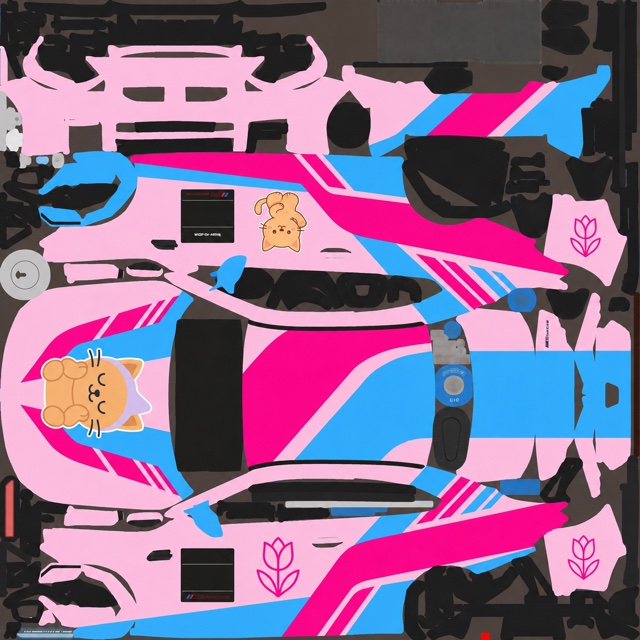
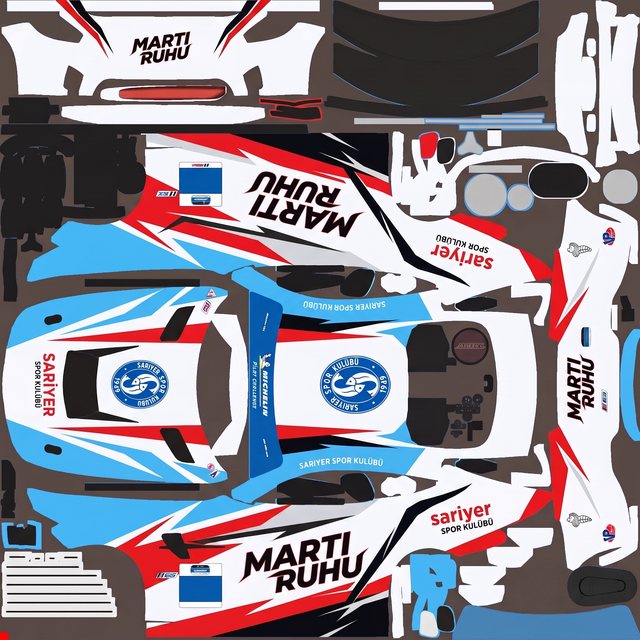
Every one started as a plain-language brief on a paint template — described, generated, refined, exported. No layers, no channels, no Photoshop.
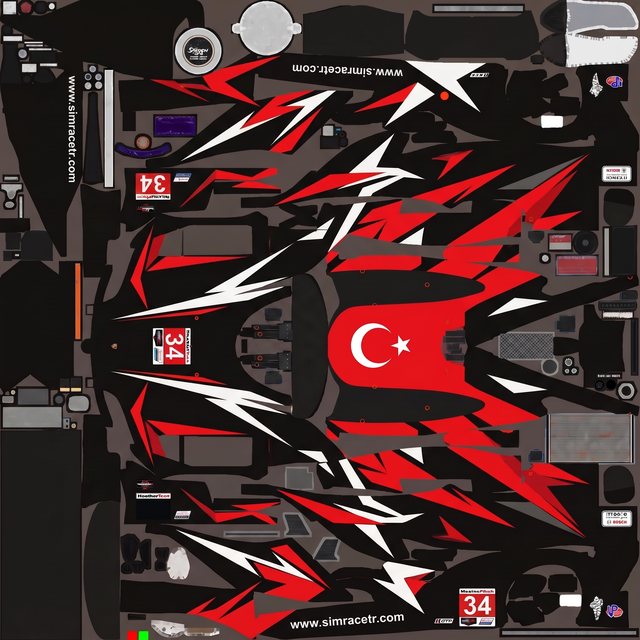
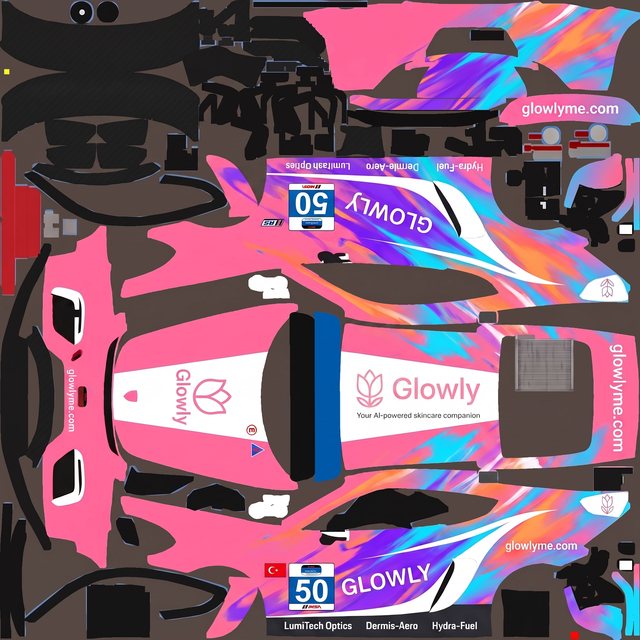
Making a livery without Photoshop
Do I need Photoshop to make a sim racing livery?
Not with Ailivery. Paint templates are Photoshop files, but you don't have to open one — you describe the livery, the AI paints it on the template, and you export the finished file.
Can I make an iRacing livery without Photoshop?
Yes. Describe the design, Ailivery recreates it on the iRacing car's template, and you export the paint to install. The iRacing walk-through covers it step by step.
Is there a free way to make a livery without Photoshop?
Yes — Ailivery is free to start, so you can design and preview a livery before paying for anything, and there's no Photoshop licence to buy either.
What about GIMP, Paint.NET or Photopea?
Those are free Photoshop-style editors, and they work — but you're still hand-painting on a UV template and matching art across seams. Ailivery skips that: you describe the look and it does the layout work for you.
Do I still get a real livery file?
Yes. You export the actual paint your sim loads — not a screenshot or a mock-up — and it's yours to keep.
Make your first livery, no Photoshop
Describe the look, generate it on your real template, and export a race-ready paint — no layers, no licence, free to start.