
Resources · Sim racing
Sim racing livery design ideas — and how to actually build them
A blank paint template is the hardest part of any livery: the direction is wide open and nothing's on the car yet. Here are nine design directions that read well at racing speed — and because you can generate any of them with AI on your real template, an idea you like is only a sentence away from a finished paint. No design skills, free to start.
A livery is a direction plus execution
Most people don't get stuck on the tools — they get stuck on what to make. Pick a direction first and the rest follows. The nine below are proven ways to make a car read clearly on a busy grid without leaning on any real team's marks: originals you can own. Find one you like, mash two together, then describe it to Ailivery and it paints the design onto your car's template — recreating your idea on the real layout instead of smearing a picture across it.
Sim racing livery ideas that work
Heritage stripes
Twin or triple stripes running nose-to-tail over a pale base. Timeless, reads instantly at speed, and endlessly re-colourable — change the base and the stripe palette and it's a new car.
National racing colours
Build around a country's motorsport colour: British racing green, rosso corsa red, French blue, silver. Historic, always looks "right," and a safe, original starting point.
Minimalist mono + one accent
A single body colour with one sharp accent on the mirrors, splitter, or a thin beltline. Modern, clean, and almost impossible to get wrong.
Corporate works look
Flat base, big clean panels, disciplined type — the factory-team feel. Leave room for your own sponsor blocks and keep the layout calm.
Geometric / faceted
Angular shards or low-poly camo that follow the bodylines. High energy without a single logo, and it hides panel seams well.
Gradient fade
One colour melting into another down the car, or roof-to-sill. Looks premium, is murder to hand-paint, and is trivial to describe in a sentence.
High-viz endurance
A fluorescent base — safety yellow, hot orange — with black contrast for night stints and packed grids. Impossible to lose on track.
Retro colour-block
Chunky horizontal blocks and pin-stripes, a knowing throwback. Bold, friendly, and it photographs well for a team roster.
Expressive graphic
One big idea across the whole car: a wave, a slash, a pattern, a creature. The livery is the graphic — best when you commit to a single statement.
Turn any of these into a livery
- 1
Pick a direction
Choose one from the list, or combine two — heritage stripes in national colours, a minimalist base with a geometric accent. The mash-ups are where a car starts to feel like yours.
- 2
Describe it
Tell Ailivery what you want in plain language. Not sure how to word it? The livery design prompts give you ready-made phrasing for each style to riff on.
- 3
Generate on your template
The AI paints the design onto your car's UV template and checks it against the layout, so graphics land on the right panels instead of drifting across seams.
- 4
Refine and export
Nudge colours, move elements, mark up edits, then export the file your sim needs. The how to make an iRacing livery walk-through covers export and install end to end.
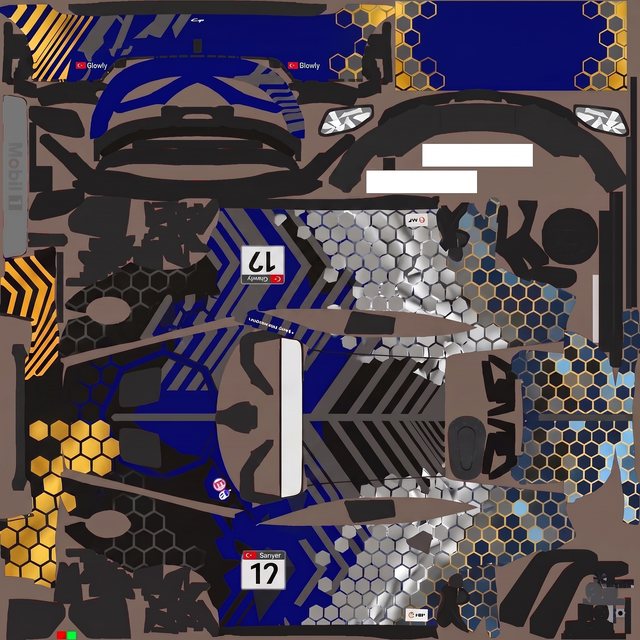
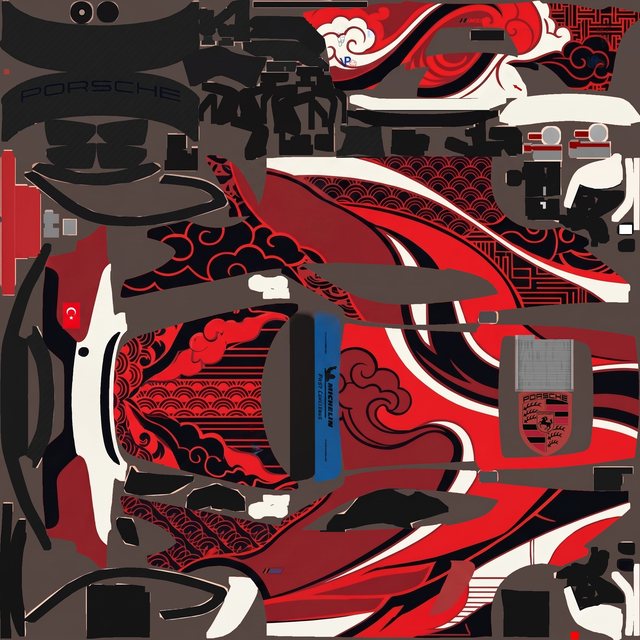
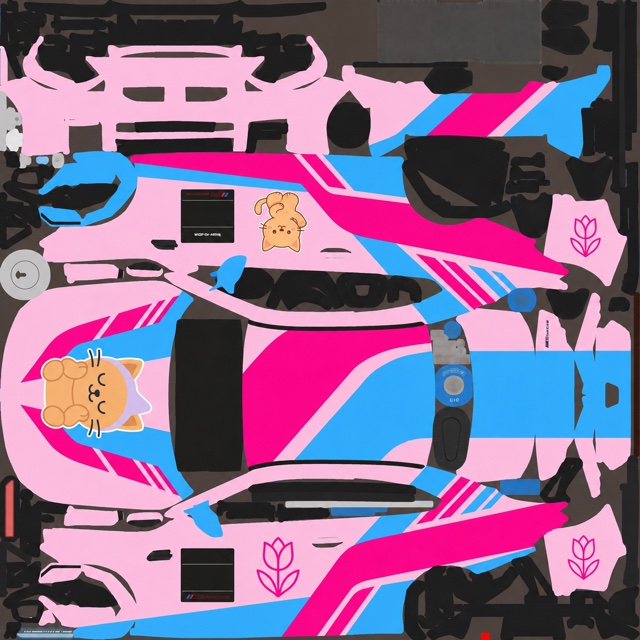
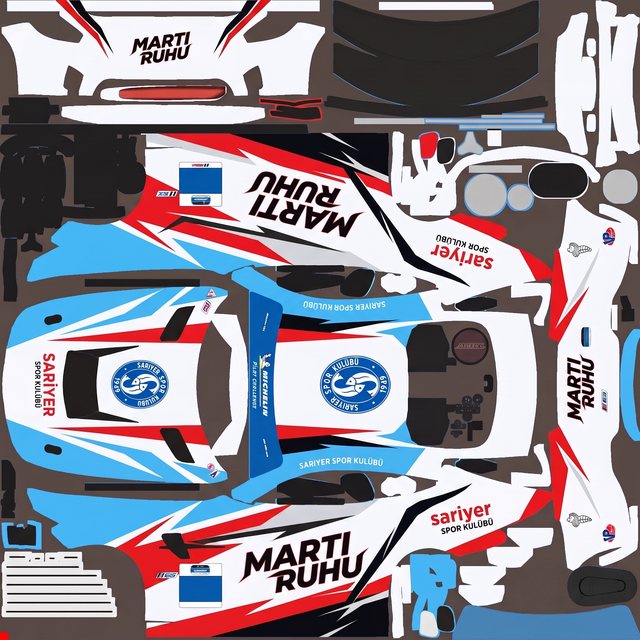
Real liveries, no Photoshop
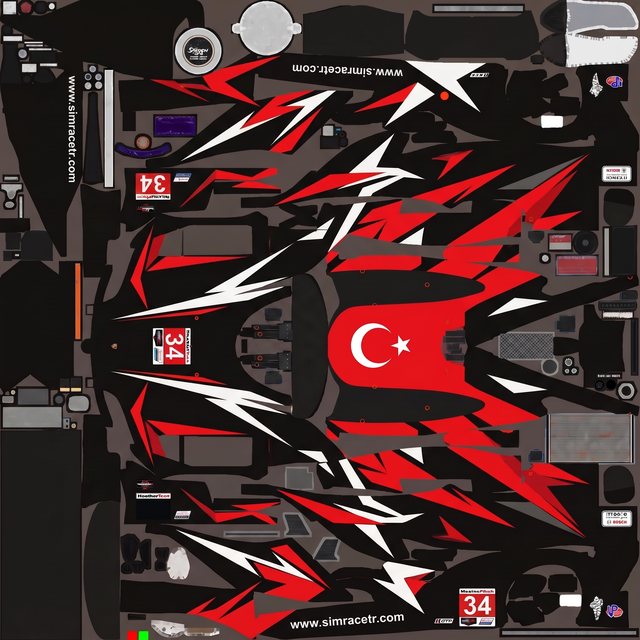
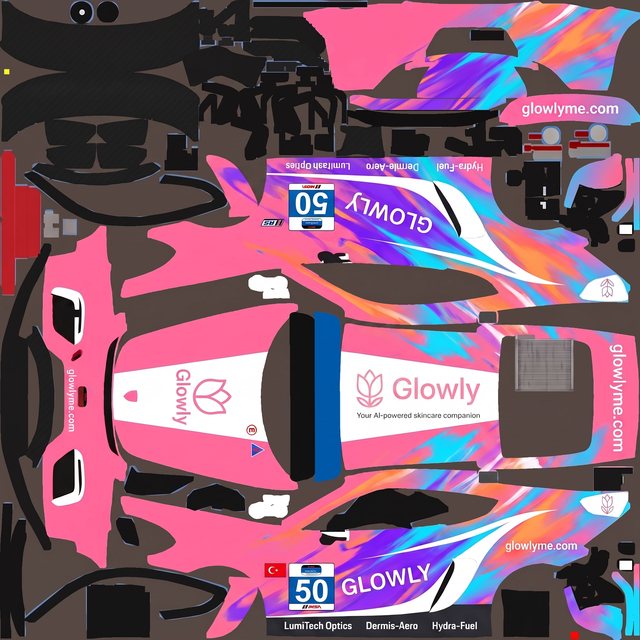
Every one started as a plain-language brief on a blank paint template — described, generated, refined, exported. No layers, no channels.
Sim racing livery design questions
Where do sim racers get livery ideas?
From real motorsport, other sims, and everyday graphic design — then they make it their own. The nine directions above are a fast way in: pick one, combine two, and shift the colours until it feels like yours.
How do I turn an idea into an actual livery?
Describe it to Ailivery on your car's paint template. It paints the design onto the real layout, you refine it, and you export the file your sim needs — no Photoshop, no layers.
Do I need to be a designer to make one?
No. You work in plain language and previews. If you can describe the look — a couple of colours and a direction — Ailivery handles turning it into paint on the car.
Can I combine two ideas?
Yes, and it's usually the best move. Heritage stripes in national colours, a minimalist base with one geometric accent — mash directions together and refine until it clicks.
Can I copy a real team's livery?
Take inspiration, but make it your own and keep the design original and brand-safe. Add team or sponsor logos only if you have the rights — the paint you export is yours to keep.
Turn an idea into a livery
Pick a direction, describe it, and export a race-ready paint — all in one place, free to start.